
Caoimhe Boers: How the iPad paved the way for me as an Artist
For as long as I can remember, I’ve loved stories, animation, fairy tales, and illustration. Growing up, I never really saw myself as “artistic” in the traditional sense. Because of reduced mobility in my hands and arms, drawing with pencil and paper was difficult for me. Things like shading, controlling fine movements, or reaching across a page could be frustrating.
Everything changed when I discovered digital art on the iPad, particularly the app Procreate
Today, I create illustrations digitally using my iPad, and it has completely transformed not only the way I make art, but also how I express ideas and creativity in everyday life. I often get asked about the tools I use, how I started, and what advice I would give to people interested in drawing digitally, so I wanted to share a little about my journey.
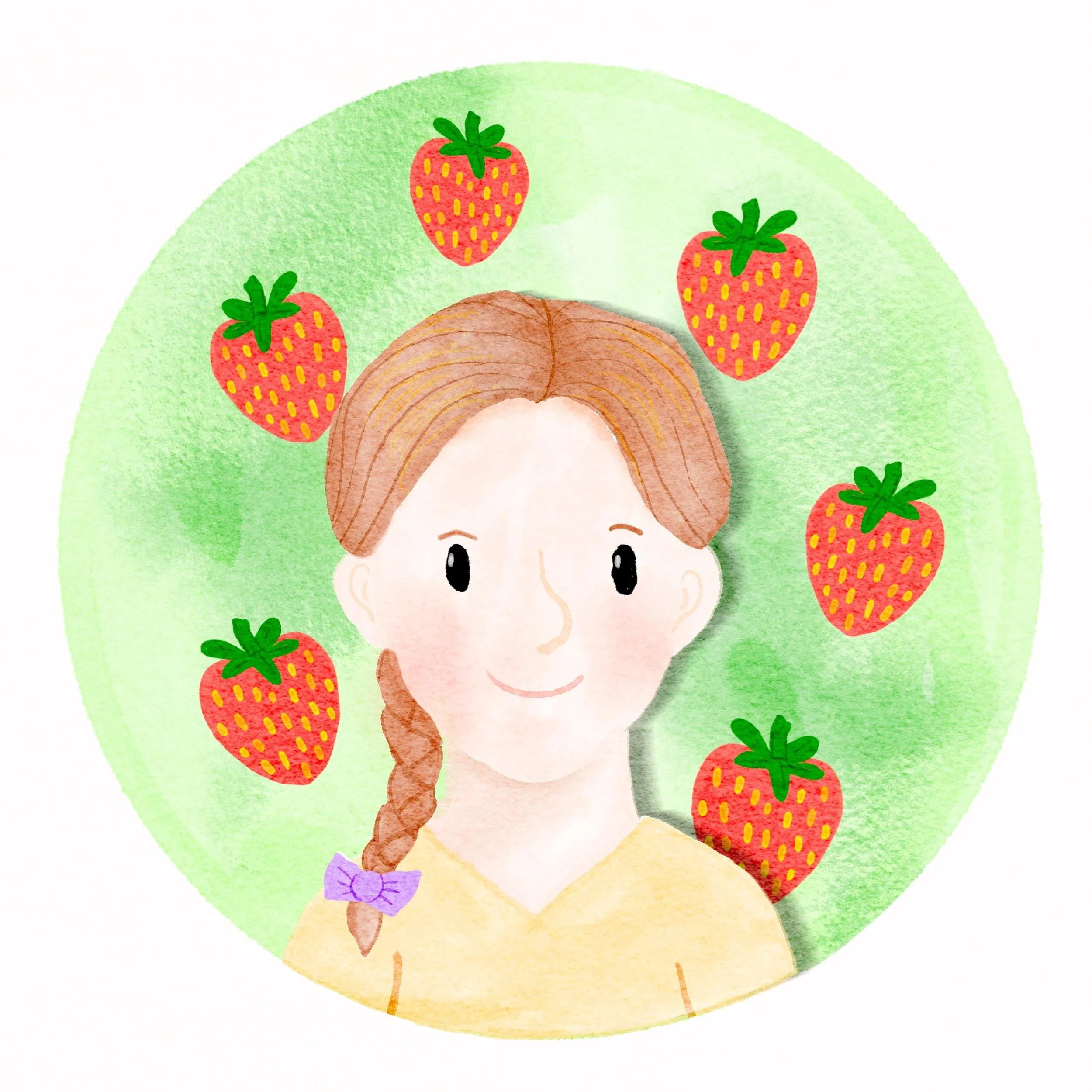
What Products Do I Use?
The main tools I use are:
● An iPad Pro
● An Apple Pencil
● An Alienware laptop
The Apple Pencil was honestly a turning point for me. Before using it, I struggled using just my finger or very basic styluses because I needed more precision and control. The Apple Pencil made drawing feel much more natural and accessible.
One of the things I love most about using an iPad is how portable it is. I can draw anywhere — at home, travelling, or even sitting outside with inspiration around me.
What Software Do I Use on the iPad?
The main app I use is Procreate. Discovering Procreate completely changed how I viewed art. Before that, I had only used very simple free drawing apps. Procreate introduced me to layers, brush customisation, stabilisation settings, gestures, and so many different art tools that made drawing easier and more accessible for me.
I also use:
● Blender for 3D art and animation
● Pinterest for inspiration and references
● YouTube tutorials to learn new techniques
One artist who had a huge influence on me was Lisa Bardot. Through her tutorials, I discovered what was possible with digital art.
What Made Me Start Drawing on the iPad?
When I was eight, I got my first iPad. At the time, it was mainly assistive technology for schoolwork and typing rather than something creative. Over time, I started experimenting with simple drawing apps during primary school for art-related projects and in my spare time. One moment that stands out to me is when I was given a Crayola DigiTools set. This gesture wasn’t necessarily a revelation for me as an artist but it definitely made drawing feel more accessible and exciting.
The biggest turning point came when I was fifteen and my mum showed me digital illustrations created in Procreate. Seeing what people could create on an iPad completely changed my perspective. For the first time, I realised that my ideas didn’t have to be limited by the physical difficulties I experienced with traditional tools. Digital art gave me a way to fully express the ideas I already had in my head.
How Has Drawing on the iPad Impacted My Daily Life?
Drawing on the iPad has had a huge impact on my life creatively, personally, and professionally. It gave me confidence in my creativity and helped me realise I could be an artist after all.
Instead of focusing on the physical difficulties of creating art traditionally, I could focus on storytelling, imagination, and developing my own style.
It also opened up opportunities I never expected:
● Creating illustrations inspired by children’s books and animation
● Learning 3D art and animation
● Exploring character design and digital painting
● Developing personal creative projects
● Sharing artwork online and connecting with other artists
During COVID lockdowns, I had the time to really explore digital illustration and learn at my own pace through tutorials and experimentation. That freedom to learn independently helped me grow massively as an artist.
The iPad also made art much more accessible in daily life because I didn’t need lots of physical materials or a large workspace. Everything I needed was in one device.
Can You Show Us Some of Your Drawings?
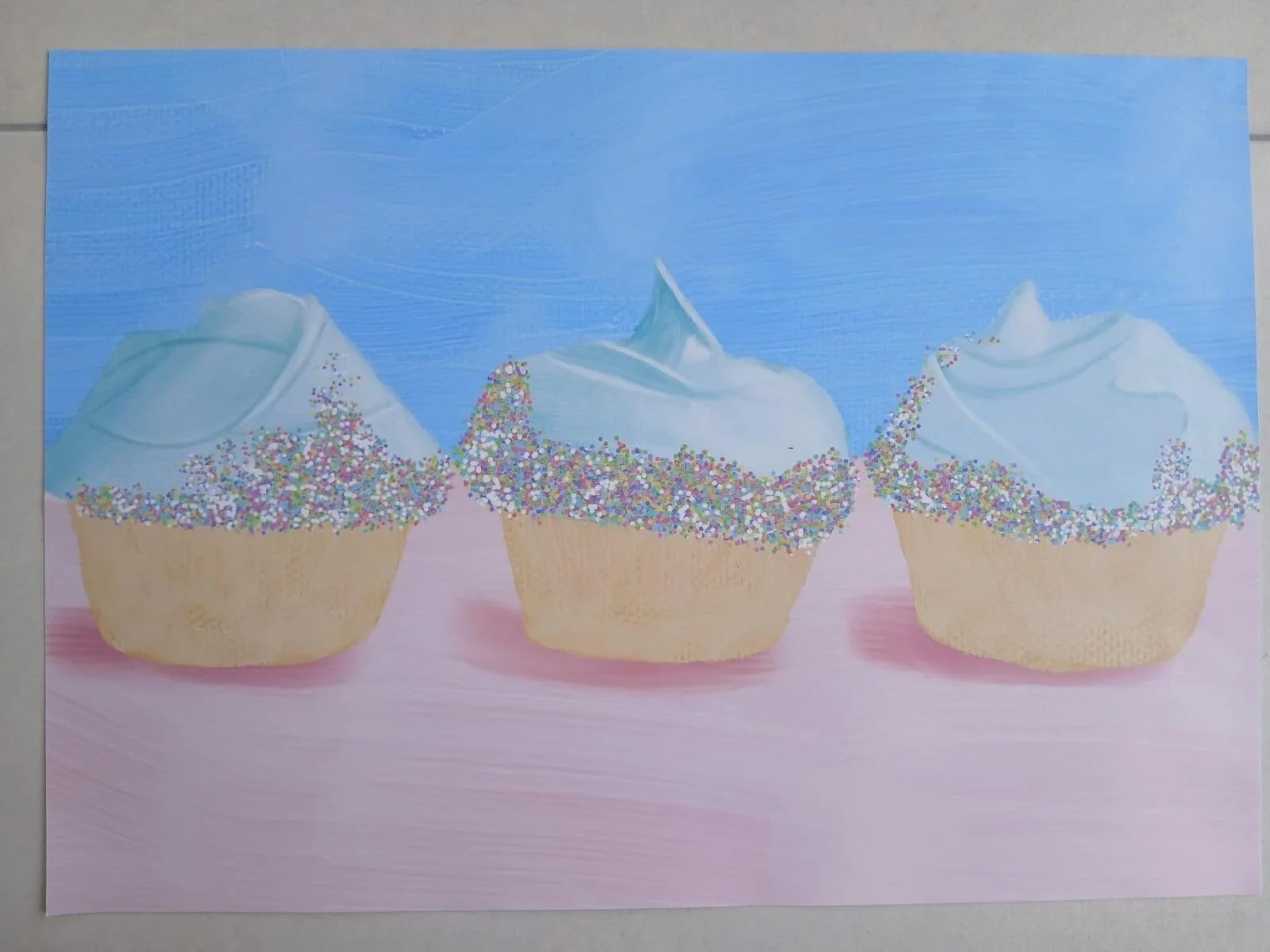
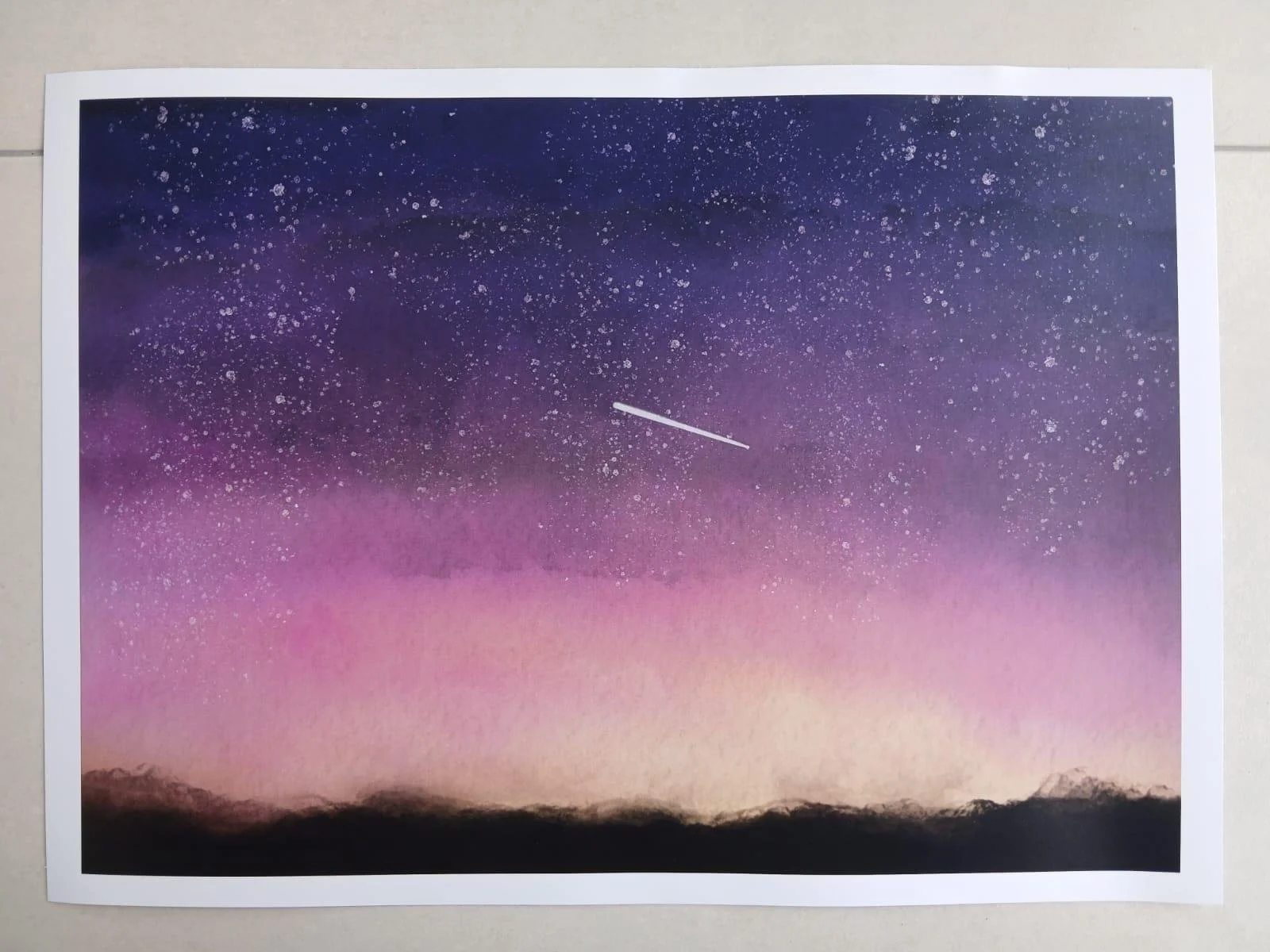
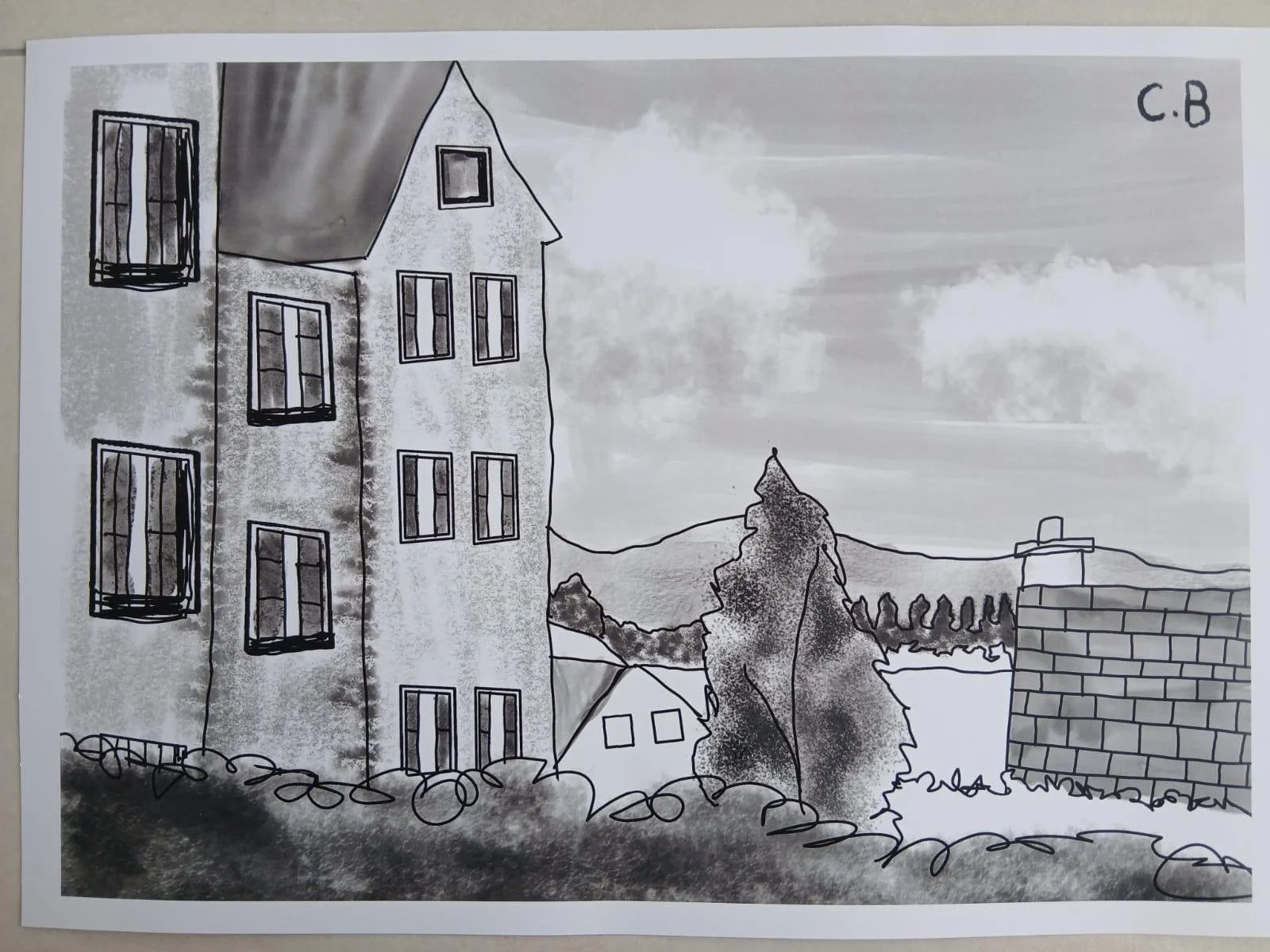
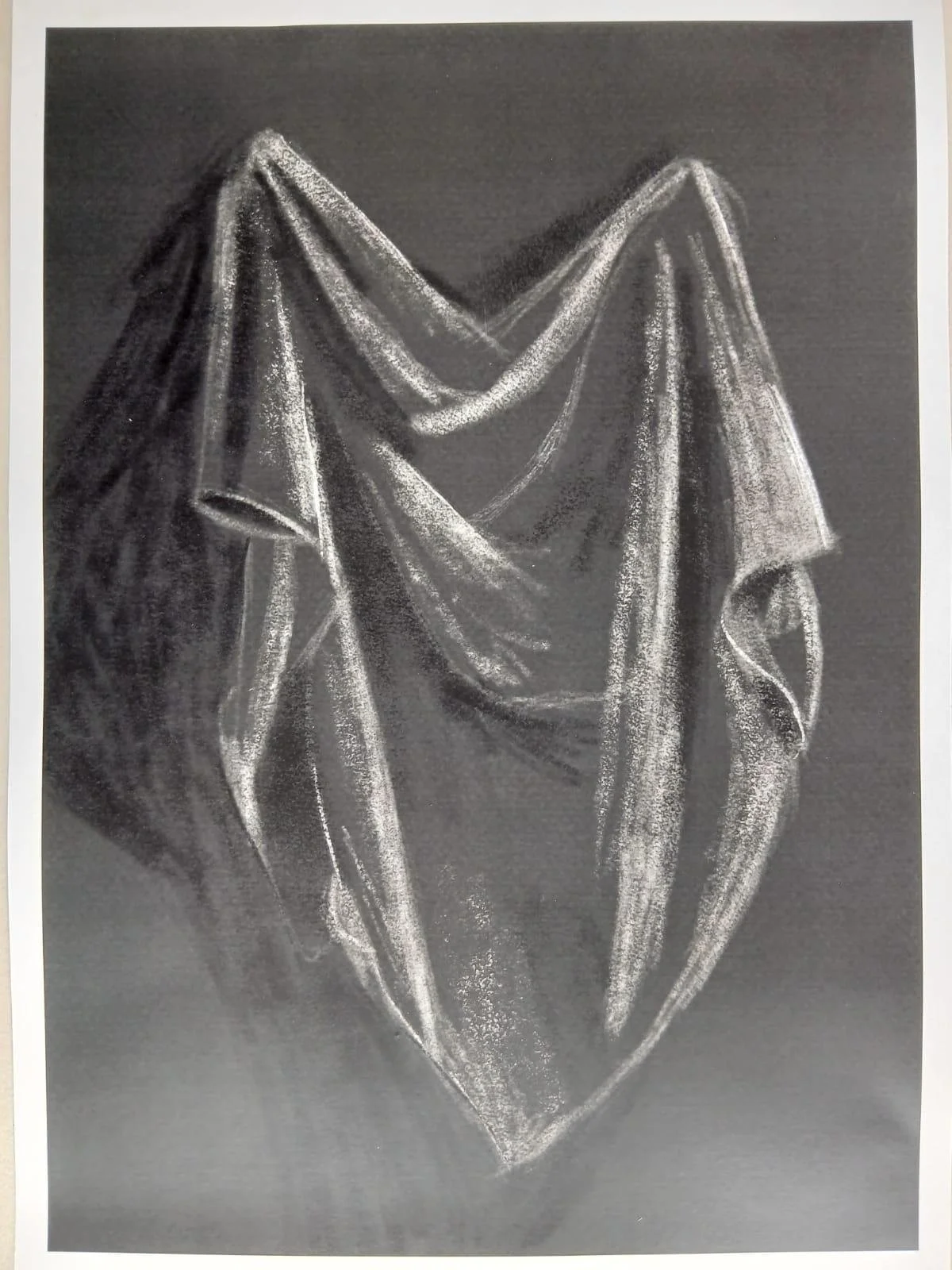
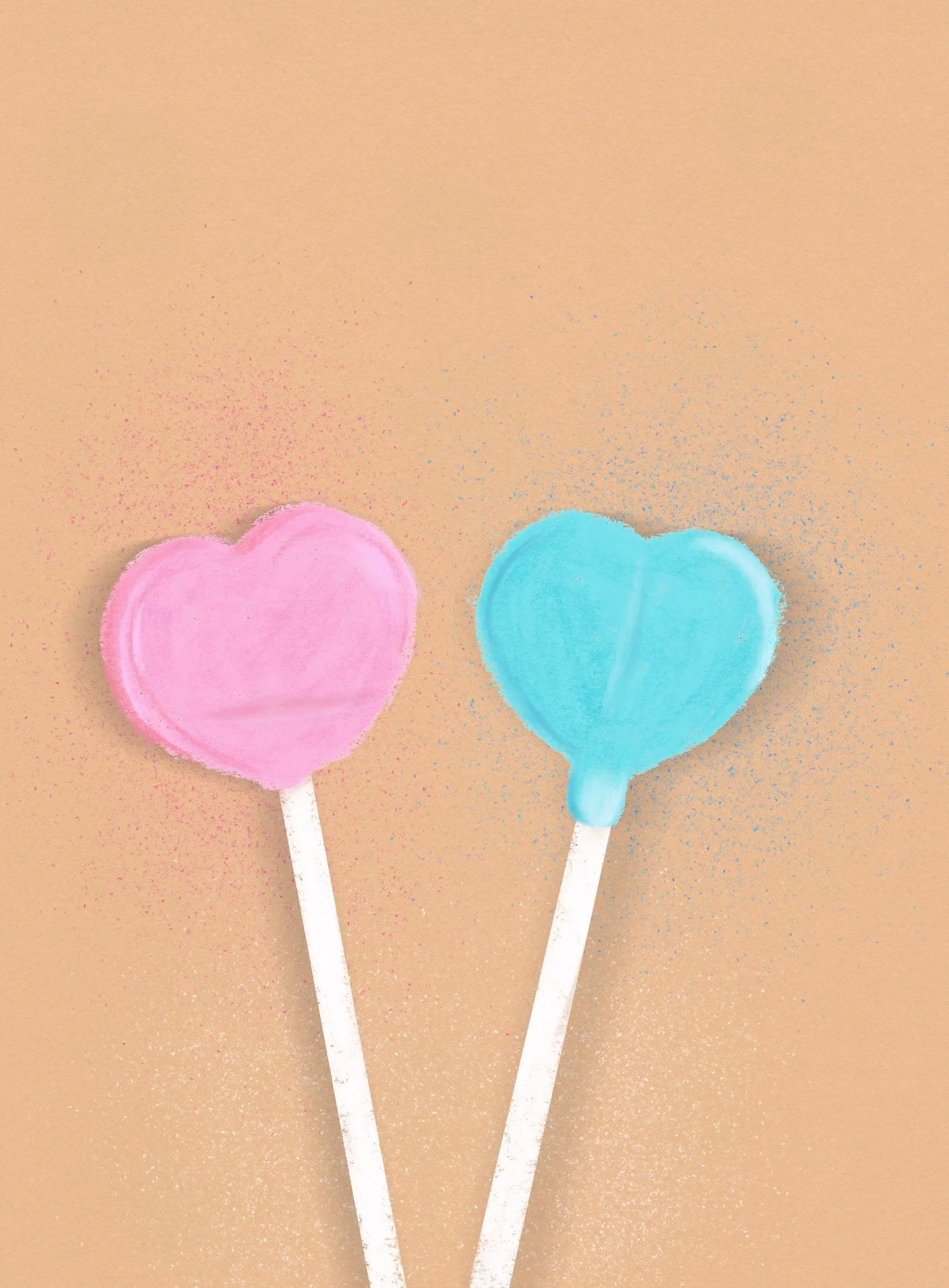
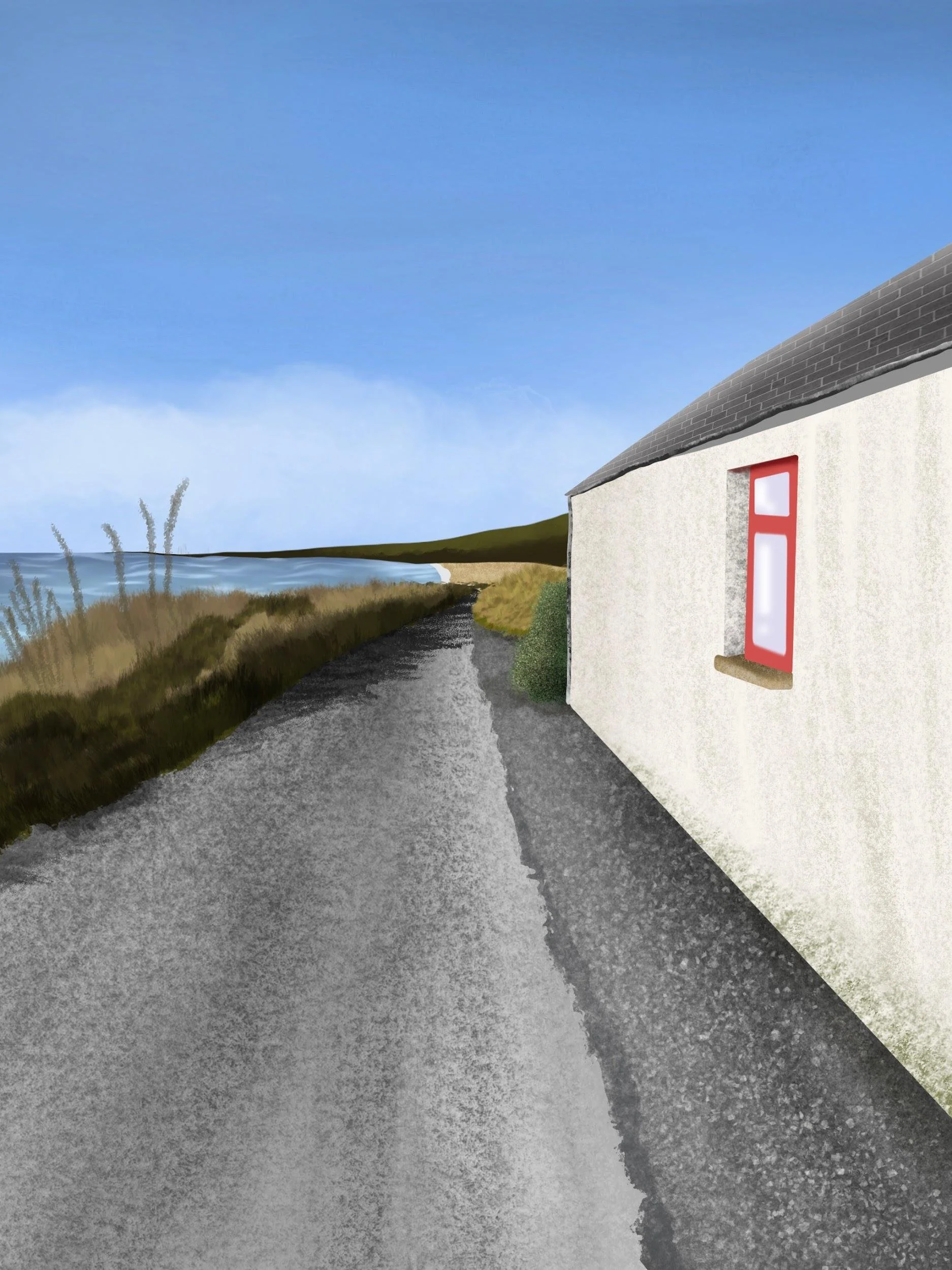
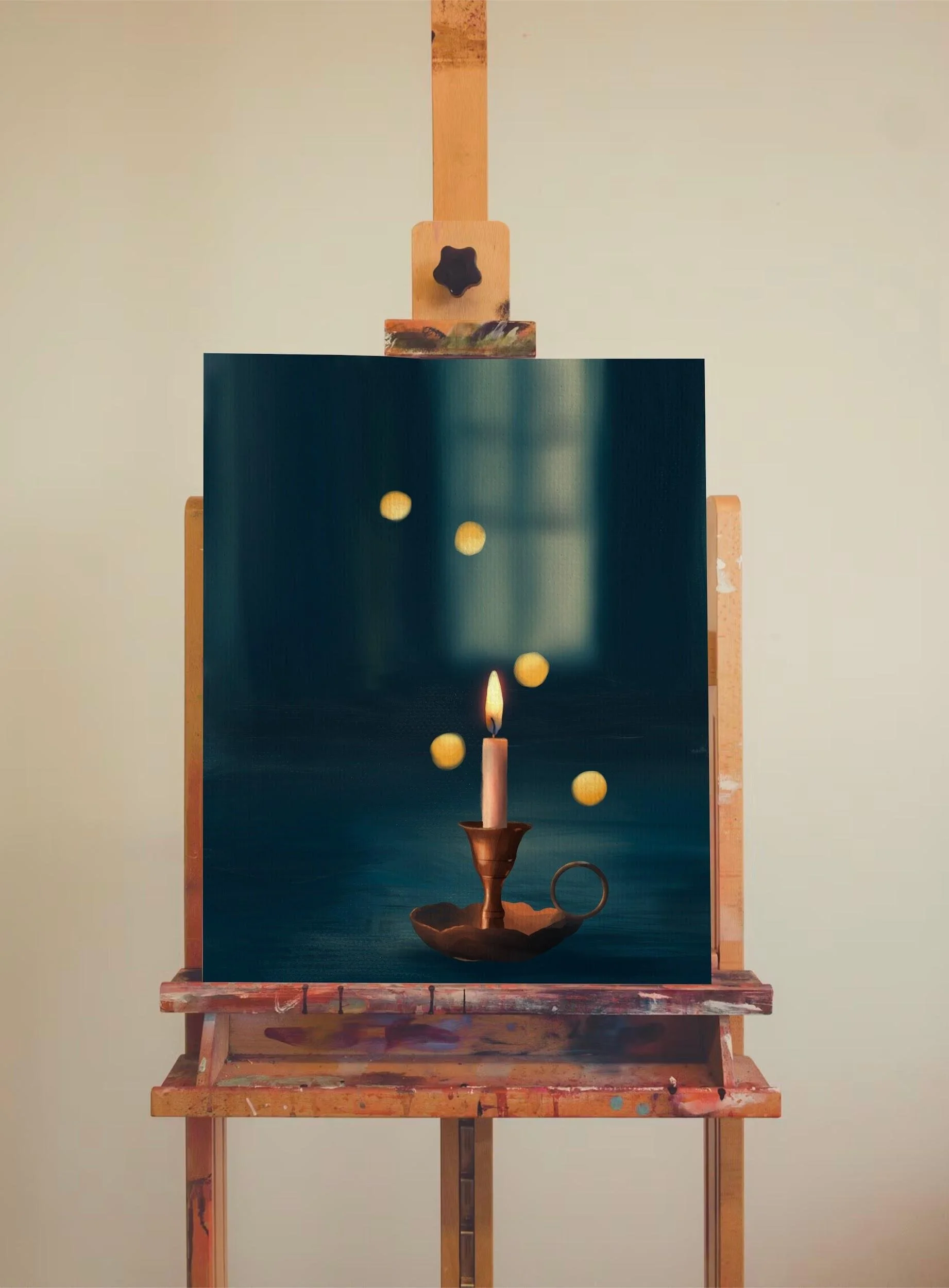
A lot of my artwork is inspired by:
● Children’s books
● Animation
● Nature
● Traditional painting techniques
I create both 2D illustrations and 3D artwork, and I especially enjoy designing characters and storytelling scenes.
Some of my work includes:
● Stylised animal characters inspired by classic storybooks
● Fantasy-inspired illustrations
● Cozy digital paintings
● 3D animated projects created in Blender
Can You Print Digital Drawings?
Yes — digital artwork can absolutely be printed, and it’s something I’ve experimented with.
One of the advantages of digital art is that you can create artwork at very high resolutions, which makes it suitable for:
● Art prints
● Posters
● Stickers
● Greeting cards
● Children’s books
Printing digital artwork can take a little trial and error because colours sometimes look different on paper compared to the screen, but overall it’s a great way to turn digital work into something physical.
Recommendations for Anyone Who Wants to Start Drawing on an iPad
If you’re interested in starting digital art on an iPad, my biggest advice is:
Buy an iPad that is compatible with the Apple Pencil but affordable
iPad Pros in particular can be very expensive so if you are a beginner, I recommend investing in something more affordable such as the iPad Air or iPad mini
Don’t worry about being perfect
Everyone starts somewhere, and digital art can feel overwhelming at first because there are so many tools and features. The best way to learn is simply by experimenting.
Start simple
You don’t need to spend money on lots of brushes or try advanced techniques immediately. Focus on learning the basics first.
Use tutorials
There are so many amazing free tutorials online, especially on YouTube. Watching other artists work can help you understand techniques much faster.
Learn the shortcuts and gestures
Simple things like undo gestures, layers, and stabilisation settings make drawing much easier and more enjoyable.
Find inspiration from things you genuinely love
For me, that was children’s books, Disney films, fairy tales, and animation. Drawing becomes much more enjoyable when you create things that genuinely excite you.
Remember that digital art is still real art
Using technology doesn’t make creativity any less valuable. Digital tools simply open up new ways for people to express ideas and tell stories.
For me, the iPad didn’t create creativity — it gave me access to it.
Link for my instagram
If you would like to follow me on instagram, you can find me @caoimhe_the_digiartist